
Free templates for running your church office with AI.
Each one comes with the steps to finish it with your AI: the website, the vestry finance report, the brand, the building. Made by a parish priest, for churches like yours.
Free to read and watch. Sign up free to download.

What do you need help with?
See every templateBrand and website
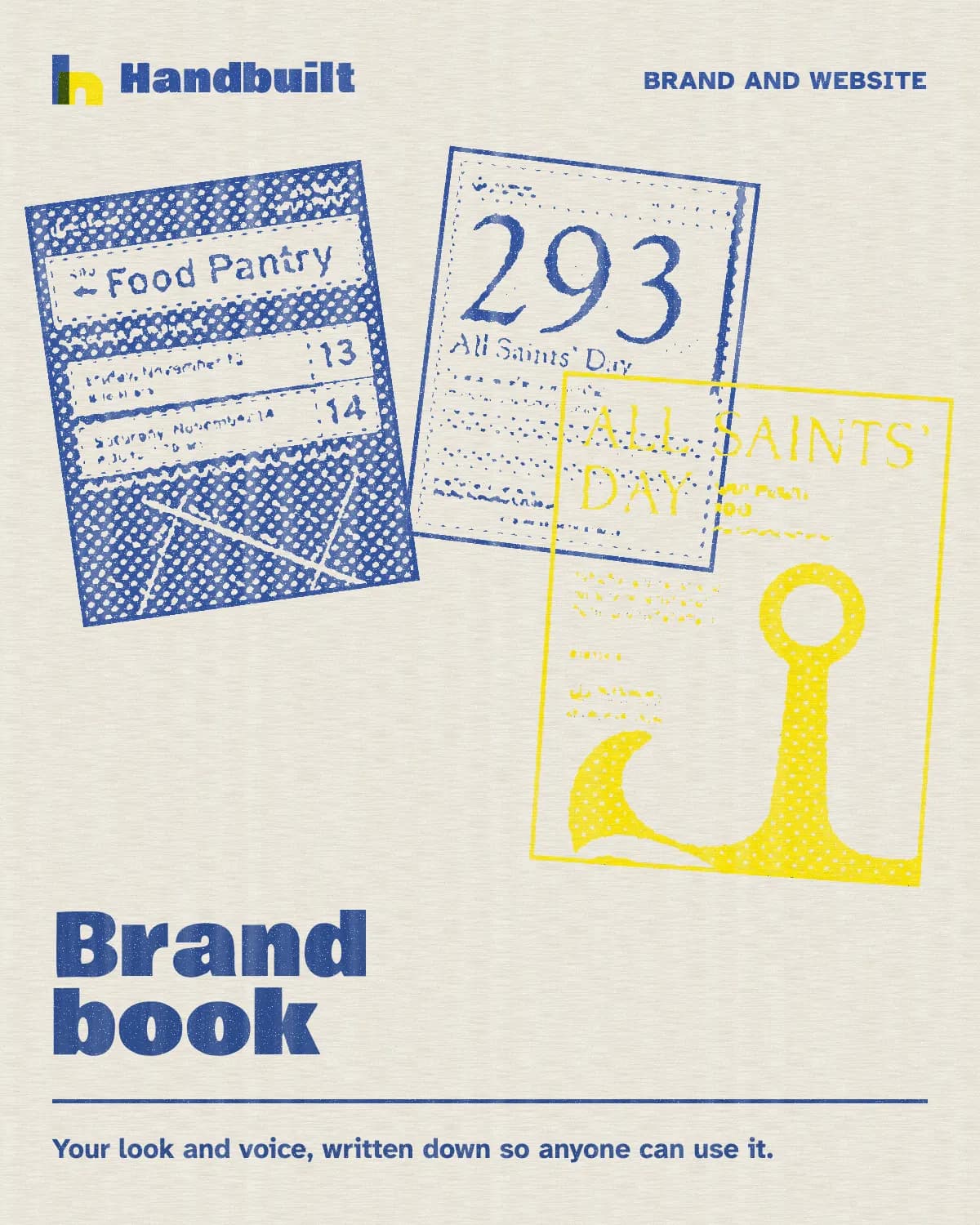
How the church looks, and the site people find first
- Use this template
- Use this template
- Website upkeepChange a service time, add an event, post a sermonComing soon
- Church history pageThe parish story, researched and checkedComing soon
Worship
The bulletin and the sermon, week by week
- Use this template
- Use this template
- Sermon research briefThe readings, context and sources, citedComing soon
Communication
Telling the parish and the neighborhood
- Coming soon
- Weekly parish emailOne email a week people openComing soon
- Parish newsletterA monthly or seasonal newsletterComing soon
- Stewardship letterThe fall campaign letter and pledge cardComing soon
Finance
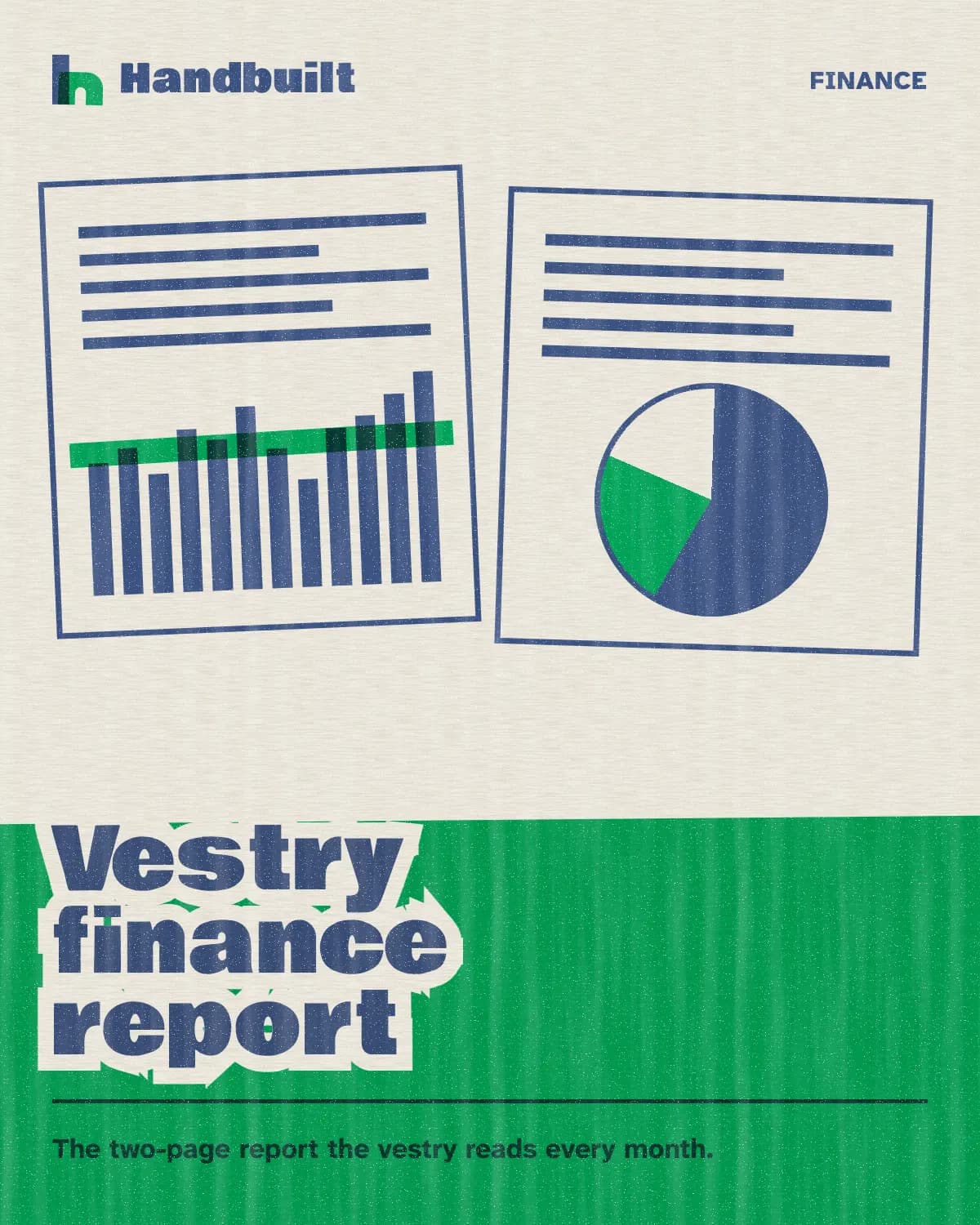
The books, and the reports the vestry reads
- Use this template
- Use this template
- Books reviewFind and fix what is wrong in the booksComing soon
- Annual budgetNext year’s budget the vestry can approveComing soon
- Parochial reportThe diocese’s annual report, due each March 1Coming soon
- Audit readinessWhat the auditor or audit committee will ask forComing soon
Property
How the building runs, who uses it, what it needs
- Coming soon
- Space rental agreementA license agreement for groups that use the buildingComing soon
- Maintenance planWhat needs doing, when and at what costComing soon
- Safety and insurance checklistWhat the insurer and the fire marshal look forComing soon
People
Staff and volunteers: hiring, policies, safe church
- Job descriptionsA clear description for every staff and key volunteer roleComing soon
- Employee handbookHours, leave, pay and conduct in one placeComing soon
- Volunteer guideA step-by-step guide for one volunteer jobComing soon
- Safe church recordsWho is trained, when it lapses, what the diocese requiresComing soon
- Parish CRMMembers and contacts in one sheet the office keeps currentComing soon
Vestry
Meetings, the annual meeting, bylaws and church policy
- Vestry meeting packetThe agenda, reports and minutes for each meetingComing soon
- Annual meeting reportThe report the parish reads at the annual meetingComing soon
- Bylaws reviewYour bylaws checked against the canons and how you workComing soon
- AI use policyWhat staff and volunteers may use AI forComing soon
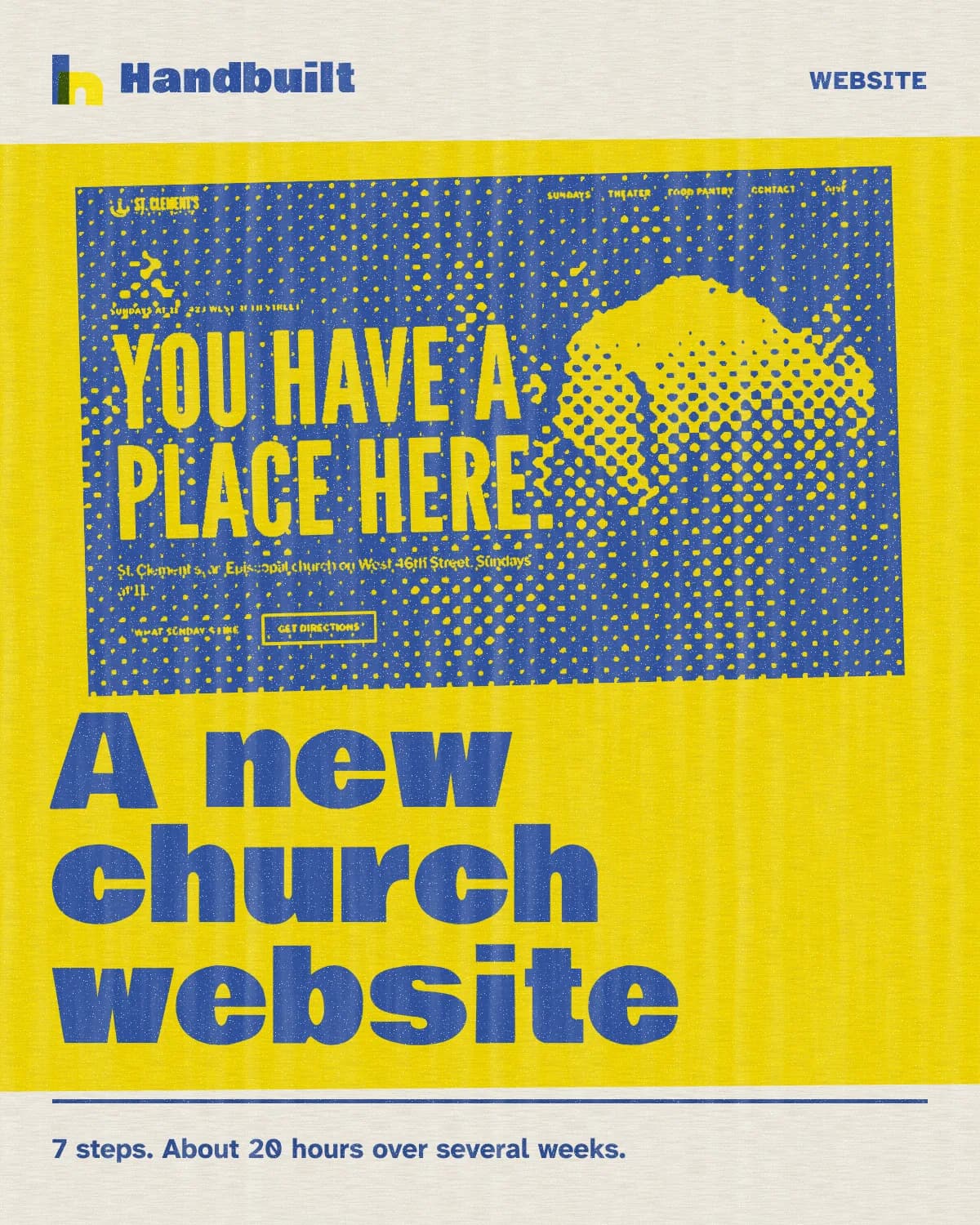
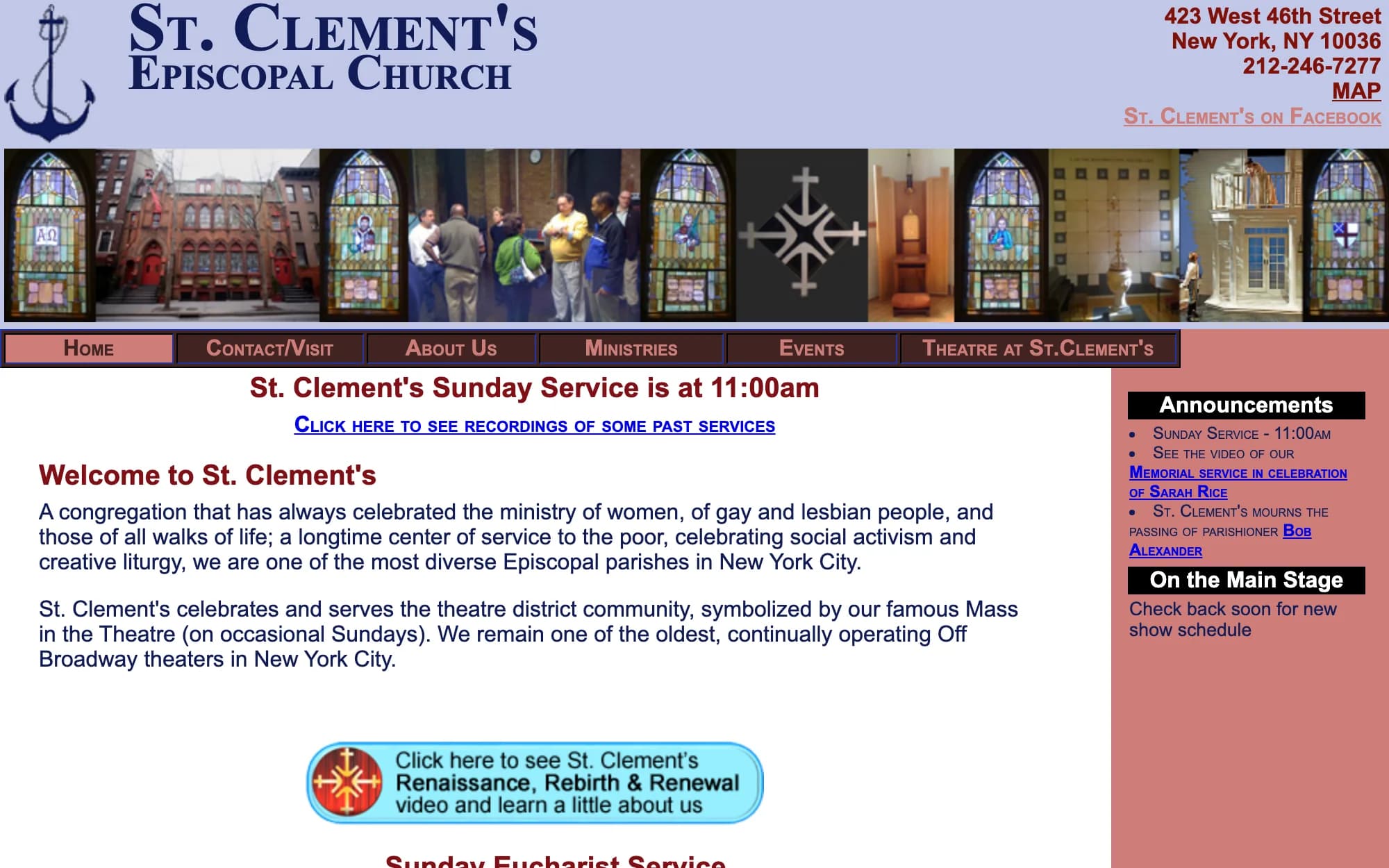
A small church rebuilt its website with these steps
St. Clement’s in Manhattan, with a part-time priest and no staff. Here is each step, and what went wrong on the way.

The weekly open house
Free and live. Next: Monday, November 30 at noon Eastern, on building great vestry reports with Claude. Bring what you are working on.
Would you rather we build it for you?
We build your church’s website and keep it current, for less than an agency. Whenever you want to run it yourself, we’ll train you.
Questions people ask
Is it really free?
Yes. Every template, every step and every film is free to read and watch. The downloads ask for your email once on each device, and then they all open.
Do I need to be good with computers?
No. Each step says what you do, what your AI does, and what you will have when you are done. You copy a prompt, paste it into Claude and read the answer. If you get stuck, bring it to the open house.
Has a real church used this?
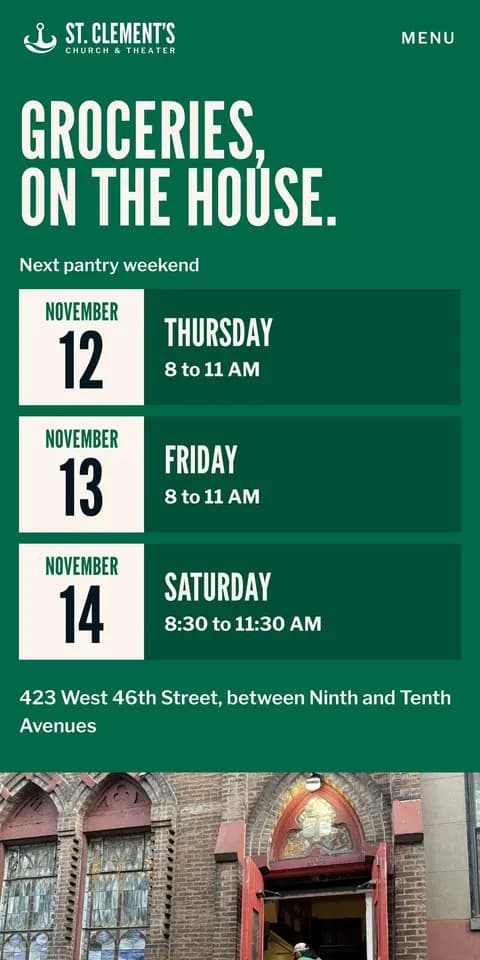
Yes. St. Clement’s in Manhattan, a small church with a part-time priest and no staff, built its new website with these steps. Every step shows what happened there, including what went wrong.
Is it safe to use AI with church information?
It can be, with the same care any church office takes. Use an account in your church’s name, turn off training on your conversations in its privacy settings, give it only what the job needs, and never give it anything someone told you in confidence.
What do I need to start?
A Claude account and the job in front of you. Some steps need the Claude app on a computer, and those steps say so before you open them.
Who is behind Handbuilt?
Handbuilt is made by Stephen Setzer, an Episcopal priest who serves St. Clement’s Church in Manhattan. The templates are the jobs he did at his own church, written down so yours can do them too.