
Templates / Brand and website
Church website
You will have: a new site live on your own address, and a volunteer who can keep it current.
- 7 steps
- About 20 hours over several weeks
- Free
- Checked
You will need: a Claude account, your current web address if you have one, and someone who will keep the site up to date.
Every template comes with the steps to finish it with your AI.
Step 1 of 7: See your site the way a visitor does
Your part
Paste the prompt, read the answer, and correct anything Claude got wrong.
Claude’s part
Reads your public website and answers the six questions a first-time visitor brings.
The prompt
Read our church’s website at [your web address] as someone who has never been to our church and is looking on a phone. Answer six questions: When and where is worship? What will it be like? How do I get in? Who will I meet? Can I reach a person? What is coming up next? For each one, say what the site tells a visitor, where you found it, and what is missing. Then put every fact you found (times, address, phone, email, people) in one list.
No website yet? Use this one
We don’t have a website yet. Here is what we know: [church name], [street address and town], [Sunday service times], [pastor’s name], [phone], [email], and who we are in one sentence: [sentence]. Keep these facts in one list for me.
Asks for your email the first timeYou are done when
You have one list of the facts on your site, and a list of what a visitor cannot find.
How St. Clement’s did it
The old site had not been kept up. Announcements were still showing a year after the events they announced.
Step 2 of 7: Put everything in one folder
Your part
Make one folder. Put in your photos, a recent bulletin, your logo and anything written about your history. Then read the facts page and fix it.
Claude’s part
Reads all of it and writes one page of church facts, marking whatever it could not confirm.
The prompt
This folder holds what we have about our church: photos, a recent bulletin, our logo and notes on our history. Read all of it, and our website at [your web address]. Write one page called Church facts with our name, address, service times, clergy and staff, phone, email and ministries. Put anything you could not confirm in [brackets]. Do not guess. Then list the photos you found and say which ones show people’s faces, so I can check we have permission to use them.
Faster with Church Labs: tell Claude “Set up my Church Command Center”.
You are done when
You have one folder, and a Church facts page you have read and corrected yourself.
How St. Clement’s did it
Everything about the church lives in one folder: the brand, the website, the bulletins, the history and the photos. Claude keeps it in order, and every later step reads from it.
Step 3 of 7: Settle the look first
Your part
Answer questions about your church, one at a time. Then pick one look.
Claude’s part
Interviews you, shows three different looks drawn from your own building and street, and writes down what you chose and why.
The prompt
Before we design anything, interview me about our church, one question at a time: who we are for, what a visitor should feel, and what is distinctive about our building and neighborhood. Then show me three different looks, each drawn from something real about us, such as the building, the street or our history. For each one show a logo treatment, two or three colors, a headline typeface and one sample announcement, and explain it in two sentences. I will pick one. Write my choice and my reasons on one page called Our look.
Faster with Church Labs: tell Claude “Build my brand”.
You are done when
One page that states your logo, two or three colors and one headline typeface. The logo still reads when it is as small as a browser tab.
How St. Clement’s did it
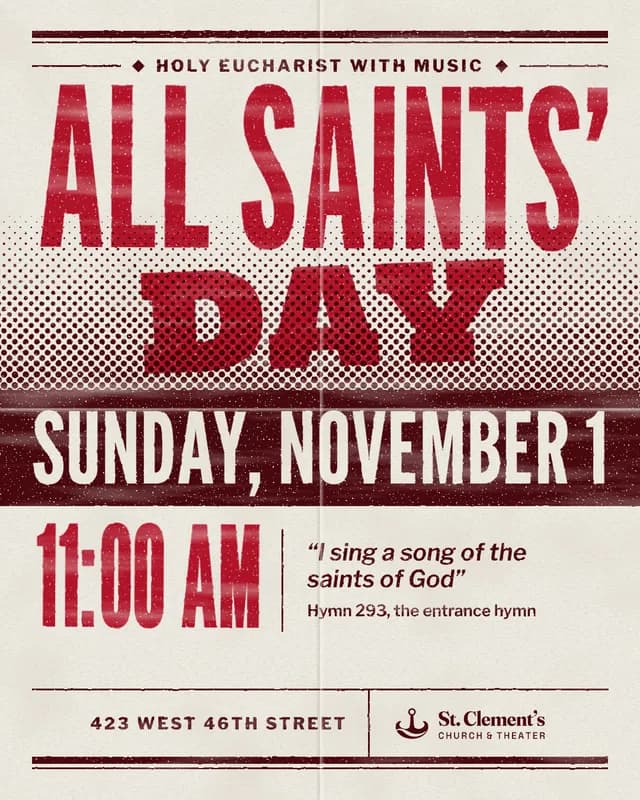
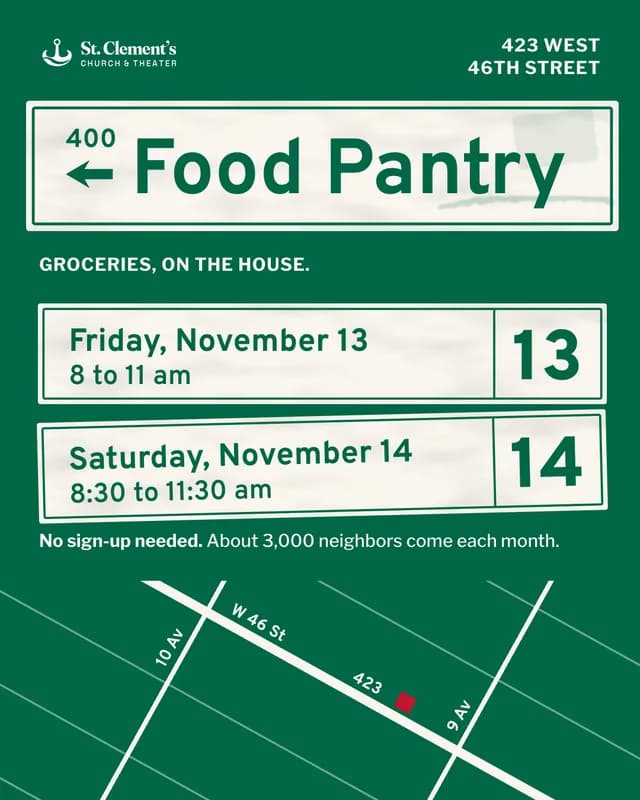
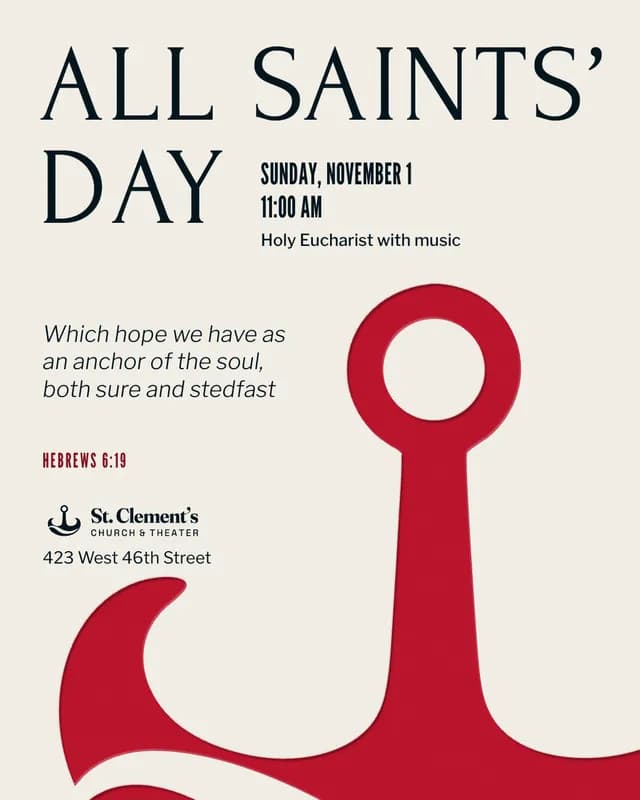
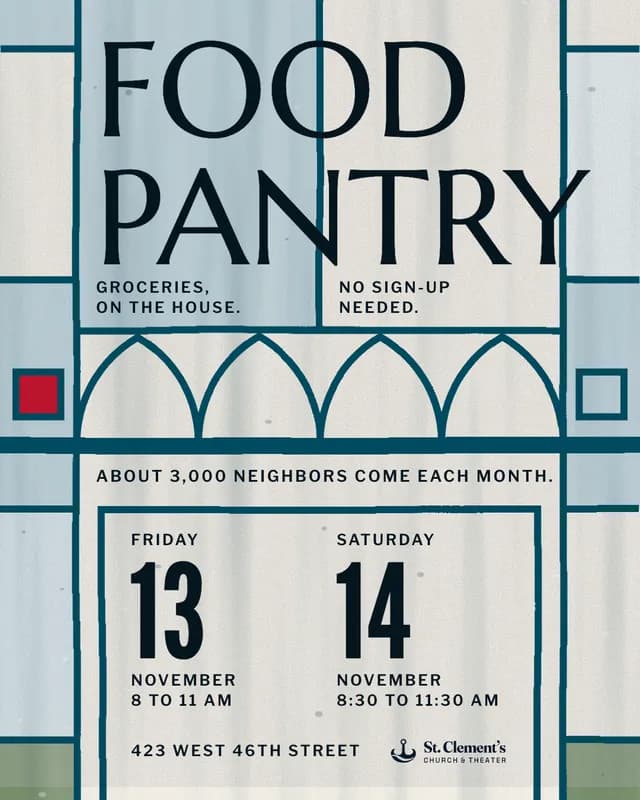
This is the step we got wrong. We started on the homepage before the look was settled and went through sixteen rounds of designs in four days. Once the brand book was in the folder, the pages came together quickly. About a hundred drawings of the anchor were set aside before one worked at every size.
Step 4 of 7: Plan the pages
Your part
Decide who will keep the site up to date. Approve the list of pages.
Claude’s part
Goes through your old site and proposes the smallest set of pages, each with one job.
The prompt
Look at our current website and our Church facts page. Propose the smallest set of pages our new site needs. For each page give: who it is for, the one thing they must be able to do there, and what content we already have for it. Tell me which current pages you would drop and why. Then ask me who will keep the site up to date, because that decides how we build it.
Asks for your email the first timeYou are done when
A short list of pages. Each one names who it is for and the one thing they must be able to do there. One person is named as the keeper of the site.
How St. Clement’s did it
Six pages: Home, Theater, Food Pantry, History, Give and Contact. A leadership page was cut. The keepers would be the priest and a volunteer, making changes in plain words with Claude, so the church built its own site and did not restyle the old one.
Step 5 of 7: Write the words, then build
Your part
Write the welcome yourself. Look at every page on your own phone and say what is wrong. Stop at three rounds.
Claude’s part
Writes the other pages from your facts, builds the homepage first and then the rest, and checks each one at phone size before showing you.
First, the words
Using our Church facts page and our look page, write the words for each page in our plan. Keep our own phrases so it sounds like us. Put when and where we worship in the first two lines of the homepage. Leave [brackets] wherever you are not sure. I will write the welcome myself.
Then, the pages
Build the homepage as a real web page in this folder. Take every color and typeface from our look page. Before you show me anything, check it yourself at phone size for text that runs off the edge. Show it to me at phone size first. After I approve it, build the other pages the same way, one at a time.
You are done when
Every page reads right on your phone. Every fact matches your Church facts page. No [brackets] are left.
How St. Clement’s did it
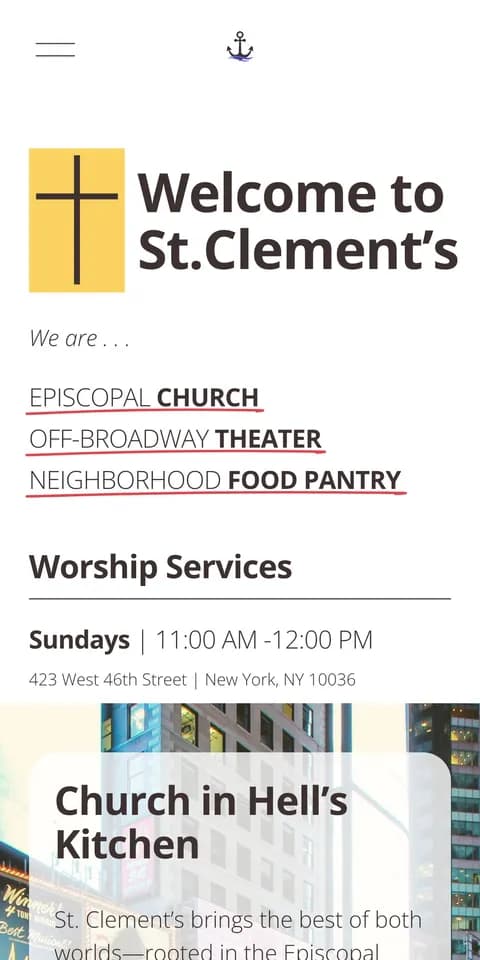
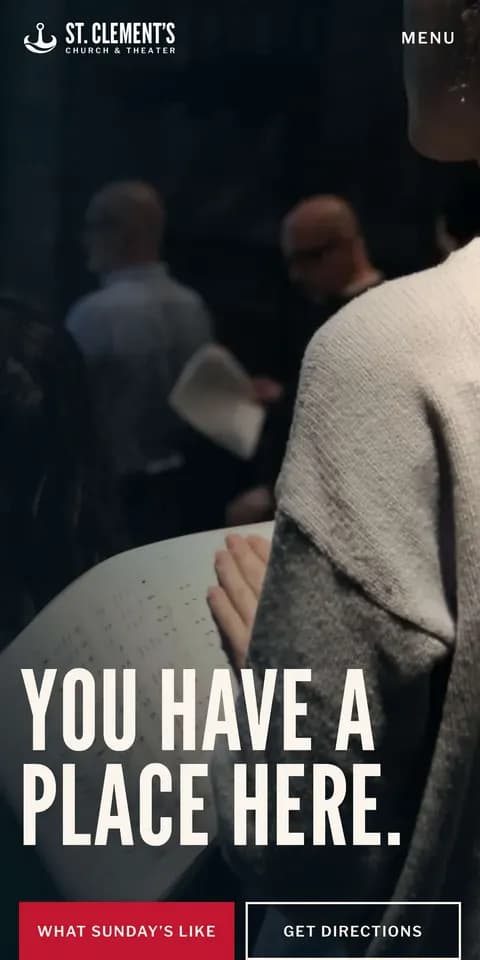
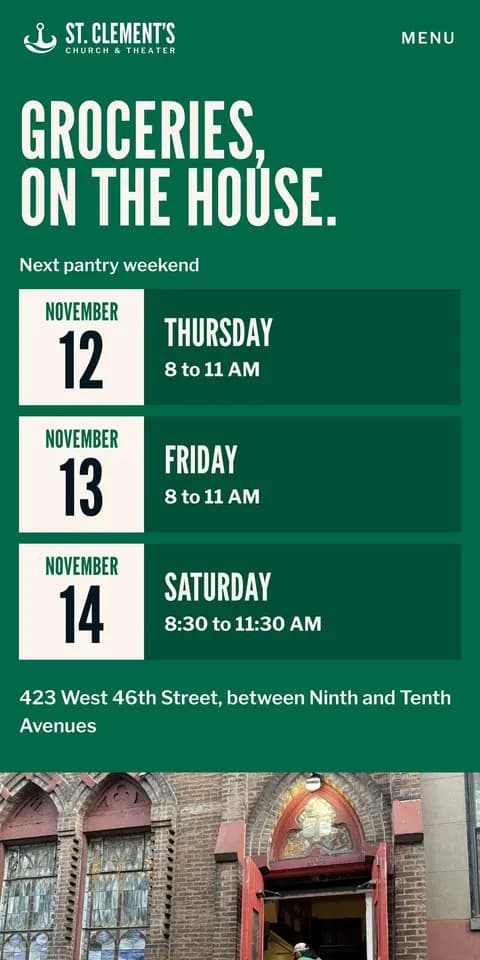
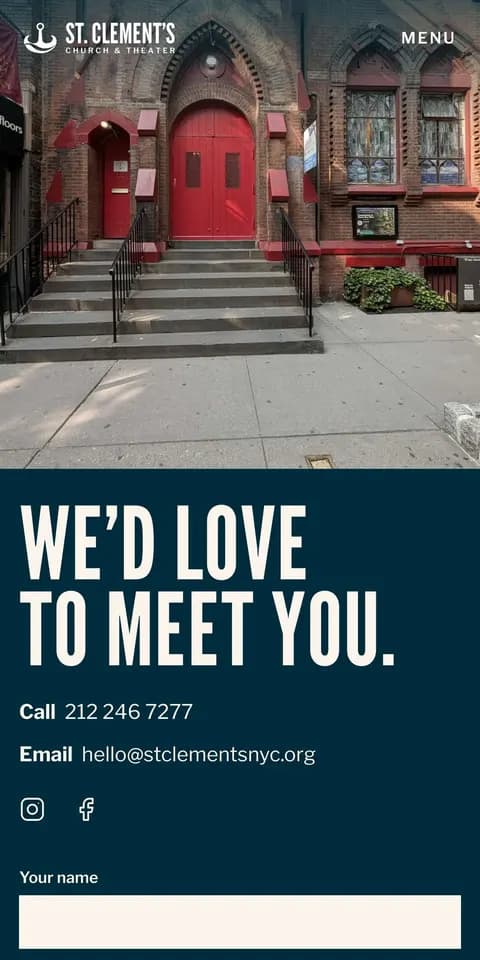
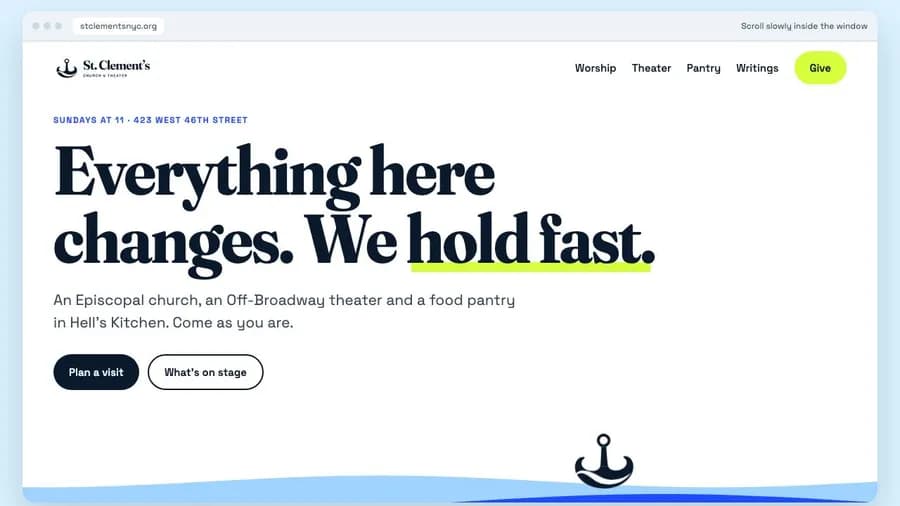
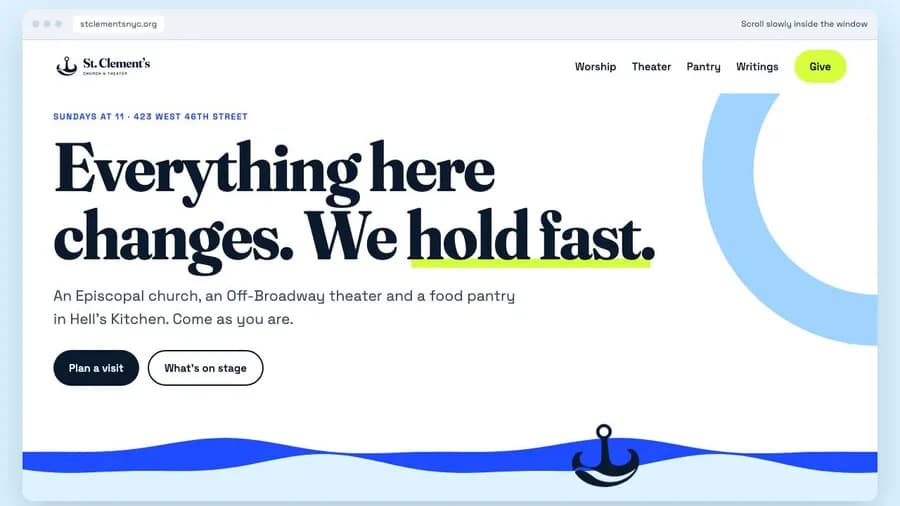
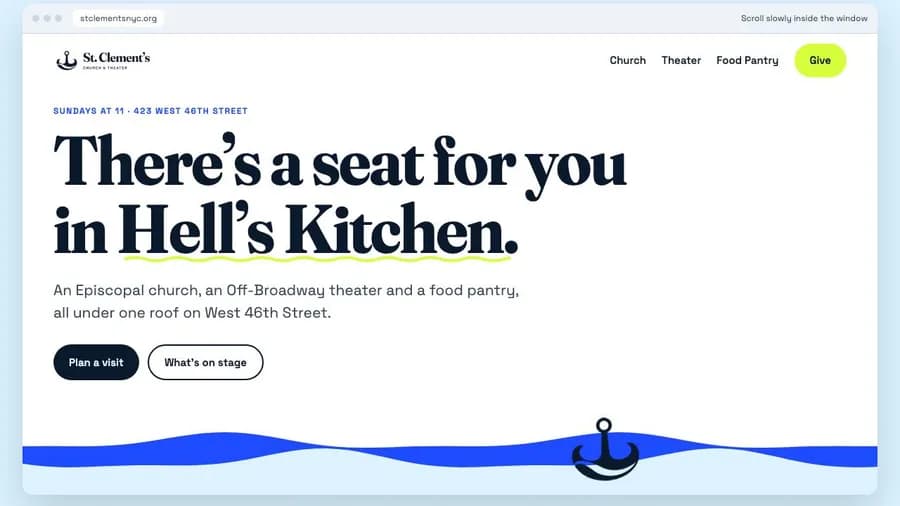
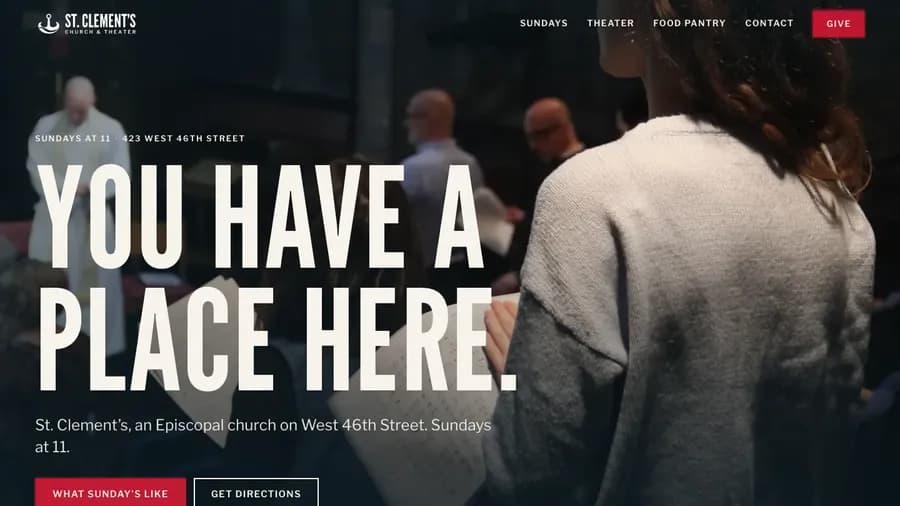
Three of the homepage rounds, in order, and the page that went live. The early rounds used a look the church later retired.
Step 6 of 7: Launch on your own address
Your part
Sign in where your web address is registered and make the change. Claude never needs your password. Then check the live site on your phone.
Claude’s part
Writes the checklist, the list of old addresses and where each should lead now, and the one step that puts the old site back.
The prompt
Write a launch checklist for moving [our web address] to the new site. Include: what to check before; the exact change to make where our address is registered, and where to click; a list of our old page addresses and where each should lead now; what to check afterward on a phone; and the one step that puts the old site back if something breaks. Do not ask me for any password.
Asks for your email the first timeYou are done when
Your address shows the new site on a phone that is not on church wifi. Old links land somewhere sensible. You know the one step that undoes it.
How St. Clement’s did it
The switch and the small fixes after it took under an hour, in one afternoon. The church kept its own address and its own account for it.
Step 7 of 7: Hand it to a volunteer
Your part
Name the person. Sit with them while they make one change.
Claude’s part
Writes a short guide: the everyday jobs, who holds each account, and what to do when something breaks.
The prompt
Write a short guide to our website for the volunteer who will keep it current. Include: the everyday jobs (change a service time, add an event, swap a photo), each as a few numbered steps; a table of every account the site depends on, who owns it and who else can get in; what to do when something breaks; and dates to remember, such as when our address renews. Point out any account that only one person can get into.
Asks for your email the first timeYou are done when
Someone other than the pastor has made one change without help. You know who holds every account the site depends on.
How St. Clement’s did it
Writing the guide showed that most of the site’s accounts sat with one person. The guide now says what the church holds, what it borrows, and what should change.
When you finish
Next in Brand and website: Brand book. Bring what you made to the open house and show it.
The weekly open house
Free and live. Next: Monday, November 30 at noon Eastern, on building great vestry reports with Claude. Bring what you are working on.